
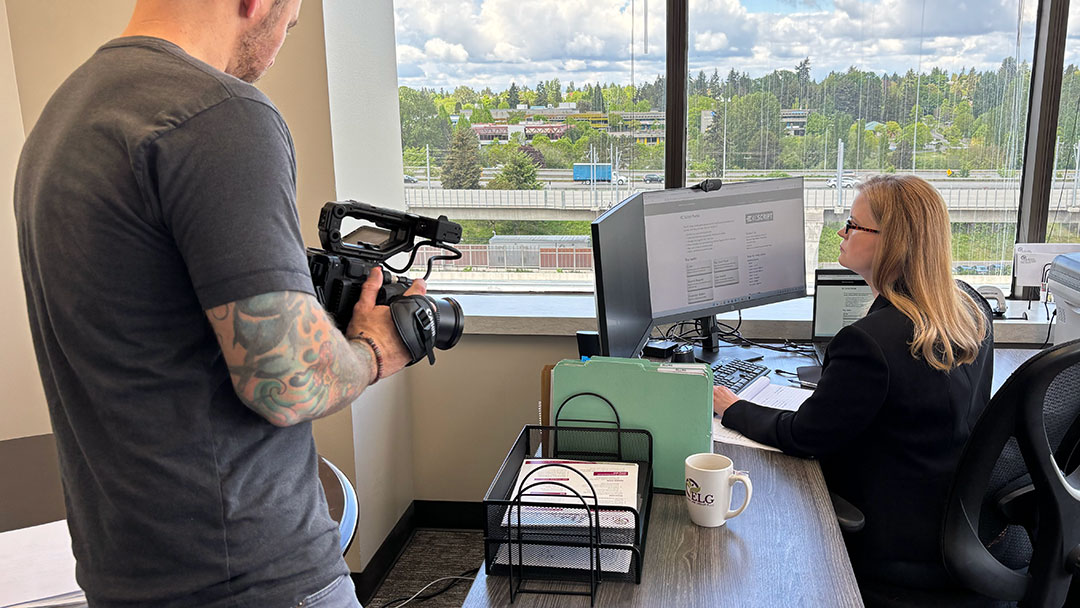
Creating video content for your business or organization has never been easier. You have a high-quality camera in your pocket, editing tools at your fingertips and plenty of places to share what you create.
Making a video is the easy part. Making a video that connects with your audience takes more thought.
Before you worry about cameras, editing or what to post on Instagram, start with three simple questions:
- Who am I trying to reach?
- Where does that audience spend time online?
- What do I want them to do after watching?
Those answers should guide every decision you make when planning video content.
You don’t need expensive equipment or years of video production experience to create effective video content. But you do need a plan.
This guide walks you through a simple process for creating better video content for your business or organization, from deciding what you want to say to shooting and editing your video.
Start With Your Audience
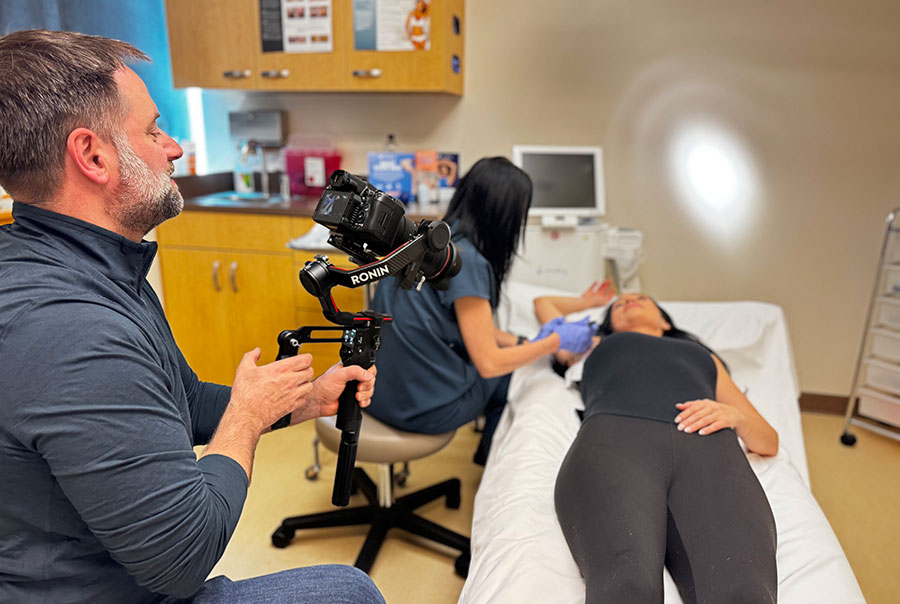
One of the most common mistakes I see businesses and organizations make is creating video content without thinking enough about who they want to watch it.
Start by getting specific about your audience. The truth is, for most businesses and organizations, it’s about the quality of the individuals you reach, not the quantity.
A business trying to reach young families may create very different content than one trying to reach retirees. A nonprofit communicating with donors will approach video content differently than when it is trying to reach people who need its services.
Your audience also influences where your video belongs.
If the audience you want to reach is primarily on Instagram, create content with Instagram in mind. If you’re trying to reach business leaders, LinkedIn may make more sense. There isn’t one platform that’s right for every video or every audience.
The goal isn’t simply to create content. It’s to make the right content for the right people on the right platform.
Decide What You Want Your Video to Do
Once you know your audience, ask yourself what you want them to do.
And “watch my video” isn’t necessarily the full answer.
Maybe you want someone to:
- Stop scrolling and pay attention.
- Watch the entire video.
- Learn something.
- Follow your organization.
- Share the video with someone else.
- Visit your website.
- Think differently about your business.
- Take action.
You don’t need five goals for every video. In fact, you’re usually better off with one.
Knowing what you’re trying to accomplish gives you something to build around. It also helps you make decisions later about what belongs in your video and what doesn’t.
One Video, One Idea
This is one of the simplest pieces of advice I can give anyone creating short-form video content:
One video = one idea.
Don’t try to tell people everything about your business in 60 seconds.
Show them something interesting. Teach them something useful. Introduce them to someone. Answer a question. Tell one small story.
Some simple video ideas include:
- Showcase your work.
- Share your expertise.
- Answer a common question.
- Introduce an employee.
- Take people behind the scenes.
- Share a customer or client story.
- Explain something people misunderstand about what you do.
If you’re not sure what to make, here are some ways to find video content ideas that fit your business.
Keeping your idea focused makes the video easier to create and easier to watch.
If another great idea comes up while you’re working, don’t feel like you have to squeeze it into the video you’re already making. Save it. You just found your next piece of content.
Make a Plan Before You Hit Record
You don’t need a 20-page production plan for a 30-second Instagram Reel.
But you should know what you’re trying to capture before you start.
Depending on the video, that might mean creating:
- A simple shot list.
- A few talking points.
- A short script or outline.
- Questions for an interview or testimonial.
The amount of preparation should match the complexity of what you’re creating.
If you’re filming a quick behind-the-scenes video, you may only need to think through the handful of shots you want. If you’re recording yourself explaining something on camera, jotting down three or four talking points can keep you focused.
Preparation doesn’t have to make your content feel scripted. It simply gives you a game plan. If you need help getting ready, here’s how to plan for your video content shoot.
Your Phone Is Probably Good Enough
You don’t need a professional camera to start creating video content. And that’s coming from a professional video production company that prides itself on quality.
Most modern smartphones can capture excellent video. I’ve even created professional content using nothing more than an iPhone for the visuals and audio (see the Strickland Motor Co. video below).
If your phone allows it, I recommend recording in 4K. And if you’re creating short-form content specifically for social media, shoot vertically in a 9:16 format.
But don’t get lost in camera settings.
What you put in front of the camera matters much more than the camera itself.
Shoot With Intention
When I teach people how to shoot video, one of the most basic techniques I recommend is getting three different shots of what you’re capturing:
Wide. Medium. Tight.
Let’s say you’re a home remodeler, showing off a newly remodeled kitchen.
A wide shot shows the entire kitchen.
A medium shot focuses on the island and cabinetry.
A tight shot shows the cabinet hardware, backsplash, wood grain or faucet.
The same principle works anywhere in any industry. If you’re showing an event, an office, a product, a person at work or something happening behind the scenes, look for three different perspectives.
Changing your shot range gives you options when you edit and makes the finished video much more visually interesting.
And don’t be afraid to overshoot.
Capture more than you think you’ll need. You will always be grateful for the options when you start editing.
Something unexpected may happen while you’re shooting, too. Capture it. You can always decide later whether it belongs in this video, another video or nowhere at all.
Check out our guide to shooting better video content for your business if you want more tips for capturing better footage.
Don’t Ignore Your Audio
If your video includes someone speaking, clean audio matters.
A lot.
People will forgive visuals that aren’t perfect. It’s much harder to sit through a video when you can’t clearly understand what someone is saying.
Your message is the reason you’re making the video in the first place, so make sure people can hear it.
You don’t necessarily need an expensive microphone. Start by paying attention to your environment. Move away from loud HVAC systems, traffic, crowds or anything else competing with the person speaking.
If you’re going to create videos regularly, an inexpensive external microphone is one of the most worthwhile upgrades you can make.
Make Your Point Quickly
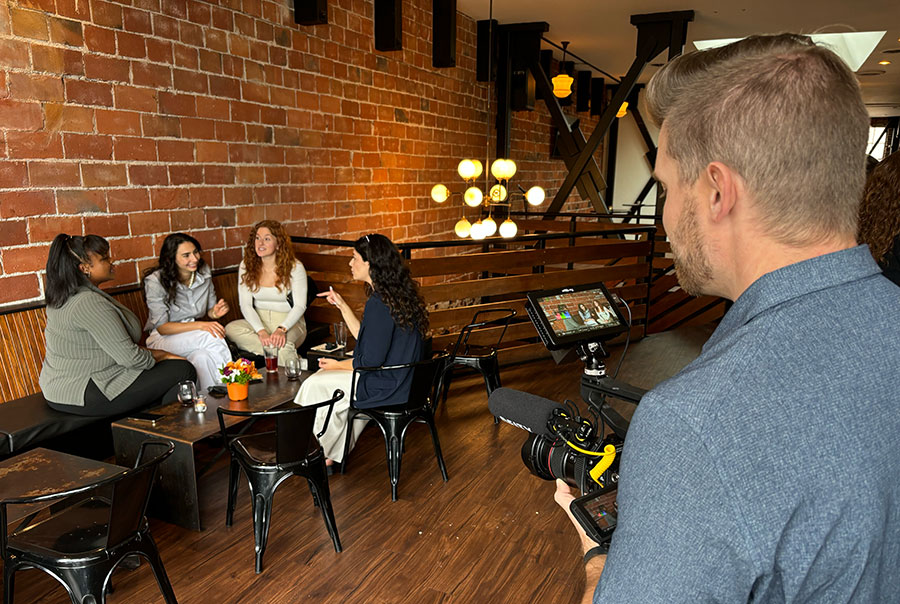
Once you’ve captured your footage, editing is where you decide what the audience actually gets to see.
Be ruthless.
Ask yourself:
How can I make the most impact in the shortest amount of time?
You don’t have much time to convince someone to keep watching. The beginning of your video matters.
Give them a reason to stay within the first few seconds. That doesn’t mean every video needs an outrageous hook or clickbait introduction. It means you should get to the interesting part quickly.
Think about how you use social media. You scroll. You stop when something catches your attention. And you move on quickly when it doesn’t.
Your audience does the same thing.
For tips on making thoughtful choices in the edit, check out our video editing tips for better content.
Make Every Second Serve a Purpose
One of the best lessons I’ve learned through years of video production is that everything included in a finished video should be there for a reason.
A shot helps tell the story.
A soundbite explains something important.
A moment might make the viewer feel something.
A piece of text provides necessary context.
If something isn’t contributing, ask whether you really need it.
This doesn’t mean your videos need to be incredibly short. It means they should only be as long as they need to be.
Stay focused on the audience and goal you identified.
Those decisions should guide you when editing.
You Don’t Have to Get Everything Right
If you’re new to creating video content for your business or organization, all of this can feel like a lot.
Start small.
Pick one platform.
Come up with one idea.
Create one video.
See what happens.
Then create another one.
Pay attention to what people watch, what they respond to and what feels natural for you or your organization. Learn from the videos that work and the ones that don’t.
Not every piece of video content will be a home run.
The more you create, the better you’ll become at recognizing what makes a good story, what footage you’ll need and what your audience actually wants from you.
You don’t need to create content just to fill a feed.
Create something because you have something worth showing, teaching or saying. Know who you want to reach. Know what you want them to take away from it. Then use the tools you already have to tell that story as clearly as you can.
That’s a pretty good place to start.
Do you need help creating video content for your business or organization? Moarly Creative provides professional video production in Seattle and beyond, helping businesses and organizations tell stories that connect with their audiences. Contact us to talk about your next project.