
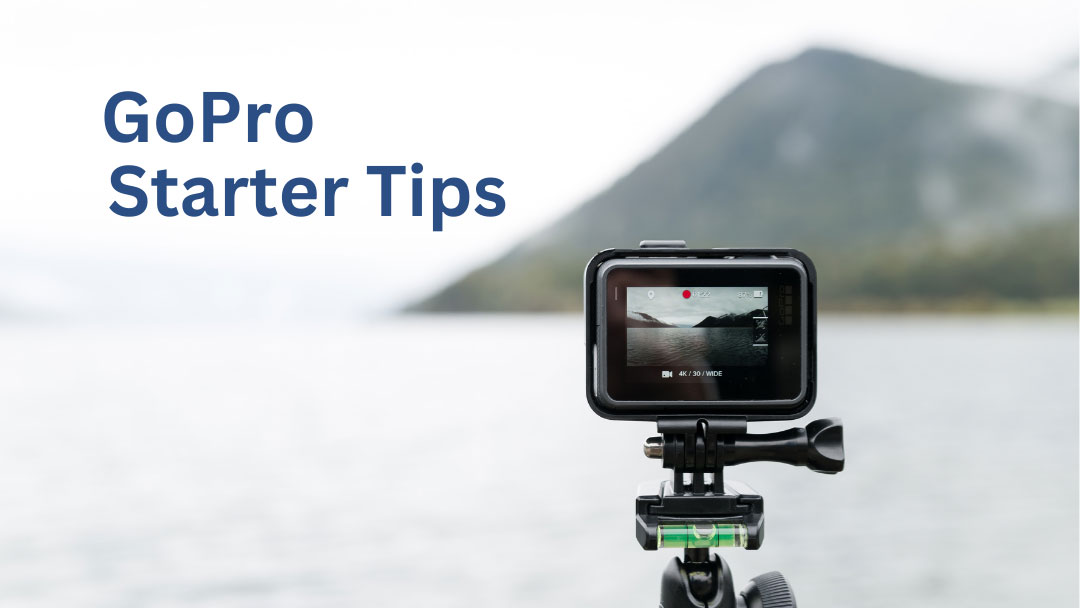
If you’re jumping into the world of video production for your company or organization, you don’t need to spend thousands of dollars on new camera equipment and lenses right out of the gate. Instead, you can start by using a GoPro.
Sure, most people equate a GoPro camera with extreme sports (we’ve all seen the clips), but they’re much more useful than that. You don’t need to snowboard down a mountain to make it a worthwhile investment.
I’ve used GoPro cameras on professional video shoots for years, especially when I need to put a camera somewhere my primary camera can’t go. Here are a few simple tips I’ve learned along the way.
GoPro Starter Tips
Basic GoPro Settings
This is either the first question you were going to ask or it’s something you weren’t even aware of. Either way, there are basic settings you want to use on your GoPro.
For most standard video content, I typically shoot at 24 frames per second. If you want the option to slow your footage down in editing, switch to 60 frames per second or higher. And if your GoPro supports 4K, I recommend shooting in 4K when storage space allows.
Capture Your Surroundings
GoPro cameras are equipped with a wide-angle lens, so they’re meant to capture your subject and their surroundings. Here are some helpful starter tips to make sure you’re getting the proper shots you need.
Point-of-View (POV)
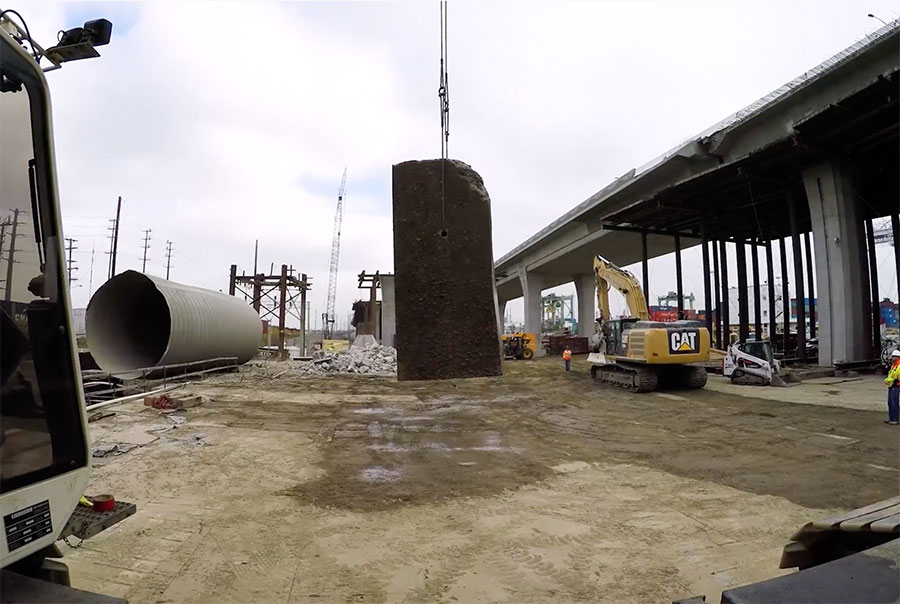
The point of view is what made GoPro famous, and it can help you tell stories for your business or organization. GoPros are especially helpful if you need a shot a cinematic camera can’t capture (or maybe you don’t want to risk your investment).
Explore Other Angles
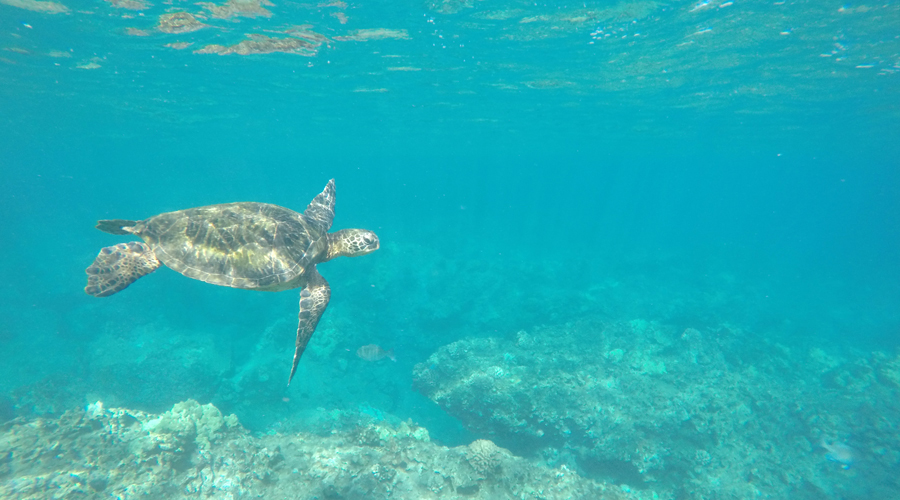
A GoPro doesn’t have to be attached to your body or pointed back at you to be useful. Try different angles. Go hands-free and mount the camera somewhere static. Just like any video equipment, GoPro cameras are meant to capture moments, whether you or others are in the shot or not.
Take this video for example. While shooting on location with Global Diving and Salvage in Oregon, I captured this moment with my GoPro attached to a floating handgrip. This allowed me to get a shot that I couldn’t get with other high-end cameras or expensive special equipment.
You can also easily get beautiful landscape shots with a GoPro. You don’t necessarily have to capture individuals in action. A GoPro can be especially useful if you are trying to shoot a time-lapse video. Take this clip I shot of a New Year’s Day sunrise over Seattle as an example.
My best advice is to just shoot, shoot, shoot. The more practice you get with your GoPro, the better your videos will look. You’ll swing and miss a few times, but you’ll also hit some home runs. Either way, you’re growing as a videographer.
Simple GoPro Care
Just like any camera, it’s important to keep your GoPro lens clean. Your best shot will only look so good if your lens is dirty or smudged. Keeping your lens clean is simple. I suggest using your shirt, a lens cloth, or any other soft surface to wipe away water spots, dust, etc.
Closing
These GoPro starter tips should help get you off the ground. We’ve set the foundation, and now it’s time for you to build your skills. The key to video production success is to just have fun with it. Don’t be afraid to make mistakes, especially if this is your first venture into creating video content.
What are your best GoPro starter tips? We’d love to hear from you! Please leave a comment below or connect with us on Facebook, Instagram, and you can also find our videos on Vimeo and YouTube. If you’re looking for even more video production and content creation tips, be sure to check out Moarly Creative!
VIDEO PRODUCTION 101 POSTS